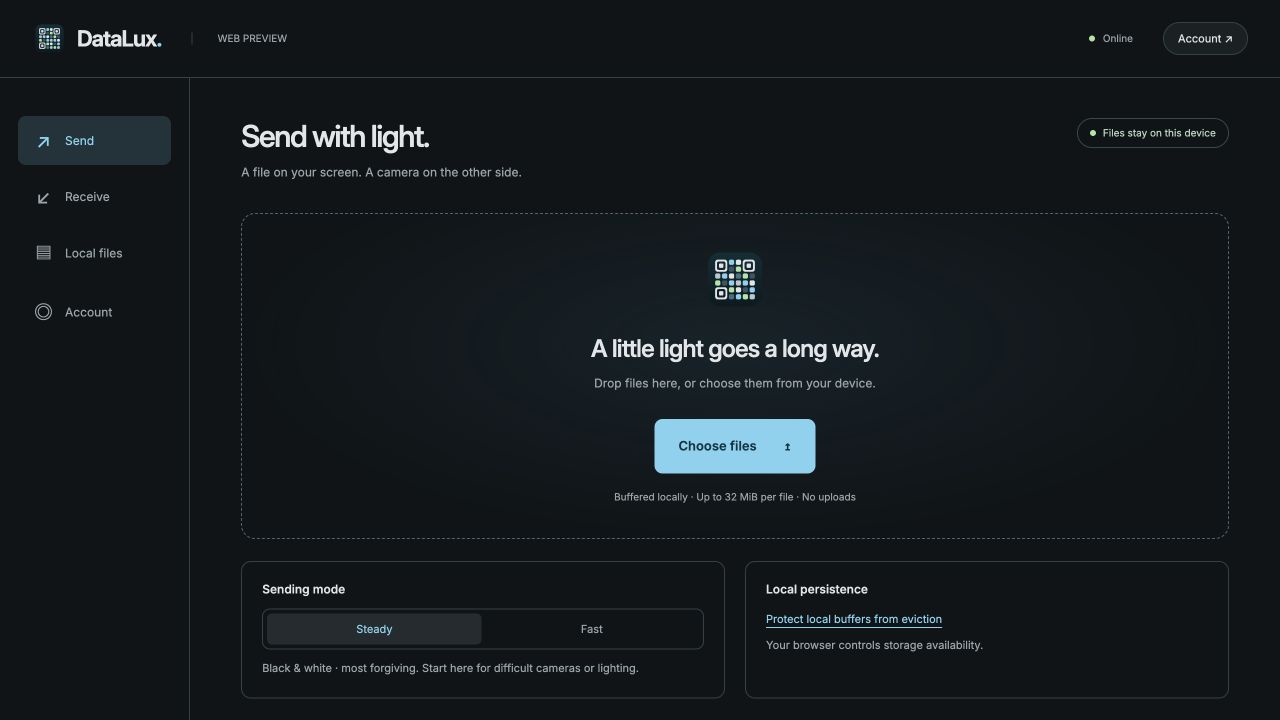
Choose what to send.
A document, a photo, a little something worth sharing. Select a file on your device.
 DataLux.
Browser preview
DataLux.
Browser preview
Phones. Computers. A different connection.
From a screen to a camera.
Move files between phones and computers without Wi-Fi, Bluetooth, cables, or a cloud detour.
Single-file transfers need no account. Desktop is fully free. Your files stay local.
01 / A simpler connection
DataLux turns a screen into a signal. The other device reads it with its camera and puts the file back together.
A document, a photo, a little something worth sharing. Select a file on your device.
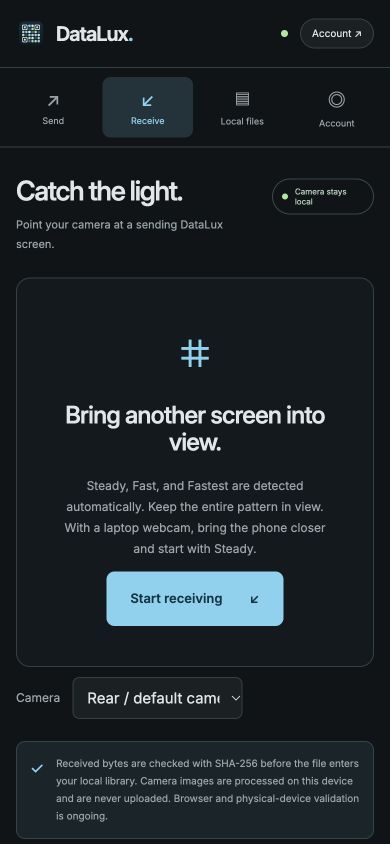
Point the receiving camera at the changing pattern. Hold steady and let light carry the bytes.
DataLux checks the complete file with SHA-256 before making it available to save.
More than a phone-to-phone idea
The native desktop suite for macOS, Windows, and Linux includes every feature free. Send one file or a batch from a monitor or projector while keeping controls on your own screen. A receiving Android phone needs Pro for batches; one file at a time stays free.
One optical stream can be read by multiple compatible receivers, each at its own pace. Room-scale reliability is still being tested. Native encrypted teams let members share a stream under a common group key.
See what’s validated02 / Keep it close
In a room with no signal. On a field visit. Across a desk. DataLux gives nearby devices a way to share without putting your files on a server.
Open the web app once online. Its interface and local file buffers remain available offline.
A completed transfer means the received file passes its end-to-end integrity check.
Files travel optically. Unencrypted patterns can be read by any camera that sees them; use the native app for encrypted pairing and teams.
03 / Find your flow
Start in the browser, or build the native app for more control over the optical link.
A responsive workspace for desktop and mobile, with local file buffers, Steady and Fast sending, and automatic native-mode reception.
Open web app Camera requires HTTPS · First visit needs internetNative camera controls, colour transfer, encrypted pairing, and offline teams.
Build for Android Available from sourceSend from a laptop, a monitor, or a projector. One screen can reach a room of receivers.
Build for desktop macOS & Linux tested · Windows build/smoke passed · camera testing pendingFree for a file. Pro for a collection.
Share a document for free. Move a photo set, field paperwork or project handoff with Android Pro. Desktop includes every feature free.
| What you can do | Android Free | Android Pro | Desktop |
|---|---|---|---|
| Send and receive one file at a time | Included | Included | Included free |
| Full available speed, compression and native encryption | Included | Included | Included free |
| Batch send and receive | Use one file at a time | Included | Included free |
| Bulk share, resend and delete received files | Use individual file actions | Included | Included free |
| Price | Free | Planned $10 USD once | Free, all features |
Initial Google Play launch: United States only. Pro belongs to your DataLux account and can be restored on your Android phones. Each receiving phone needs its own account’s Pro entitlement for batches, even from a free desktop sender. Normal device and transfer limits apply. Store configuration, purchase testing and review are still pending; Google Play’s purchase screen shows the actual checkout amount. Existing experimental community APKs are not retroactively changed.
04 / Open at the core
DataLux’s core is open source under AGPL-3.0. Commercial integration licensing is being evaluated for closed-source products; final terms require ownership and dependency review.
Explore the sourceA little more clarity
No. Chosen and received files are stored as chunks in this browser’s IndexedDB. Account requests contain account details only. You can export or delete local files at any time.
Visit once online and allow the app to finish its offline setup. After that, the cached app and local buffers work offline. Signing in still needs a connection. Browser storage can be cleared or evicted, so save important files to your device.
The browser sends in Steady black-and-white or Fast colour mode. It can receive Steady, Fast and Fastest through the shared core. Native apps provide finer camera and display control. Browser speed and physical camera compatibility depend on the device and remain under testing; mode names do not guarantee measured performance.
Single-file transfers, local storage and every desktop feature work without an account. Android Pro uses a verified DataLux account so you can buy once and restore on another phone. The $10 USD one-time US launch is being prepared; sales open after Google Play setup, testing and review.
Less infrastructure. More possibility.